
Plan a Garden: Free Garden Planner App for Vegetable Layouts
Plan a garden right in your browser. Drag raised beds onto a grid, map your yard, and get a shopping list when you're done.
No account, no download. Works on your phone or computer.
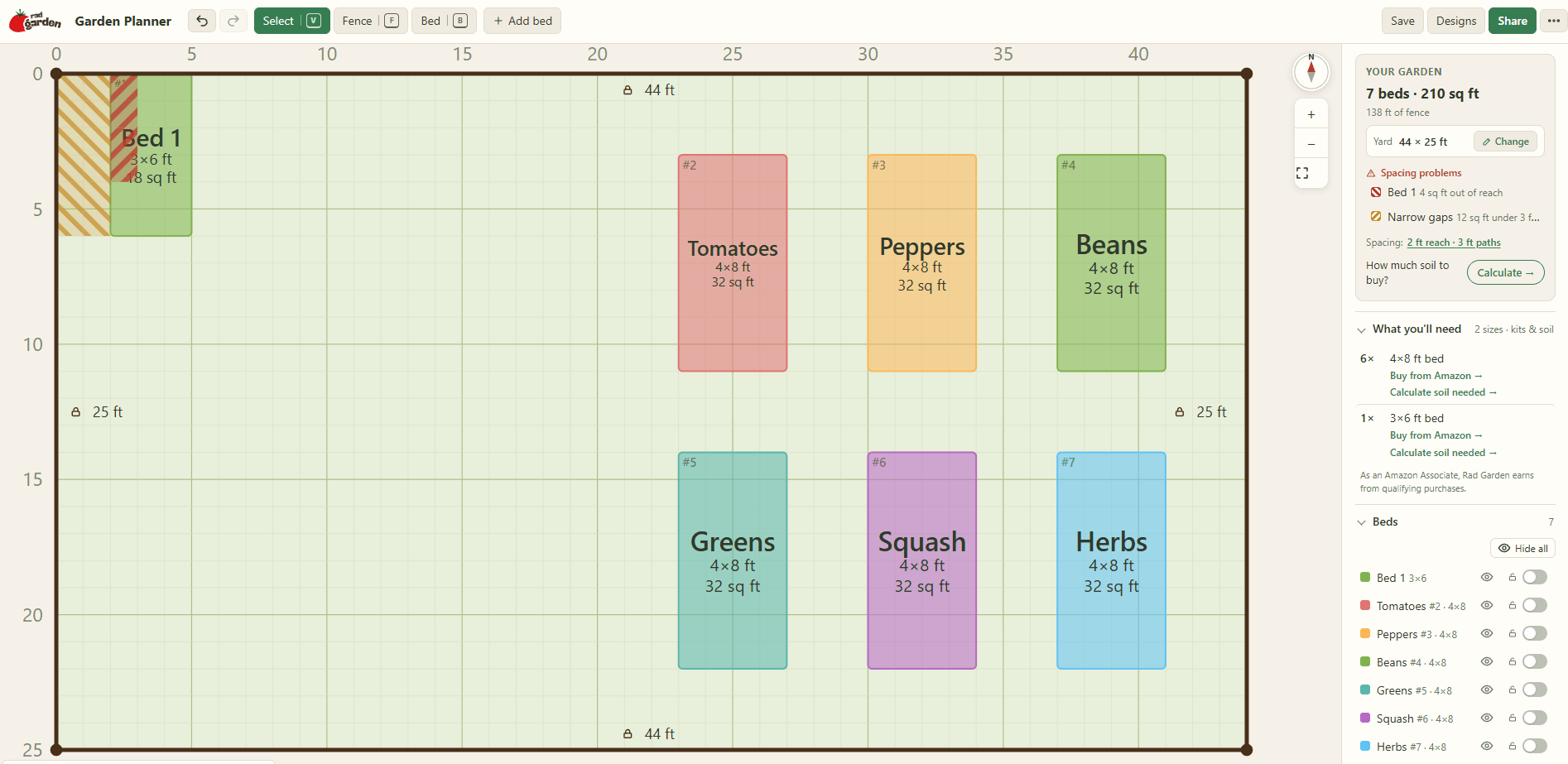
How the Garden Planner App Works
You can have a first draft of your beds on screen in a few minutes. Here's the whole process.
1. Open the planner
There's nothing to sign up for or install. Start with a blank grid or pick one of the ready-made templates.
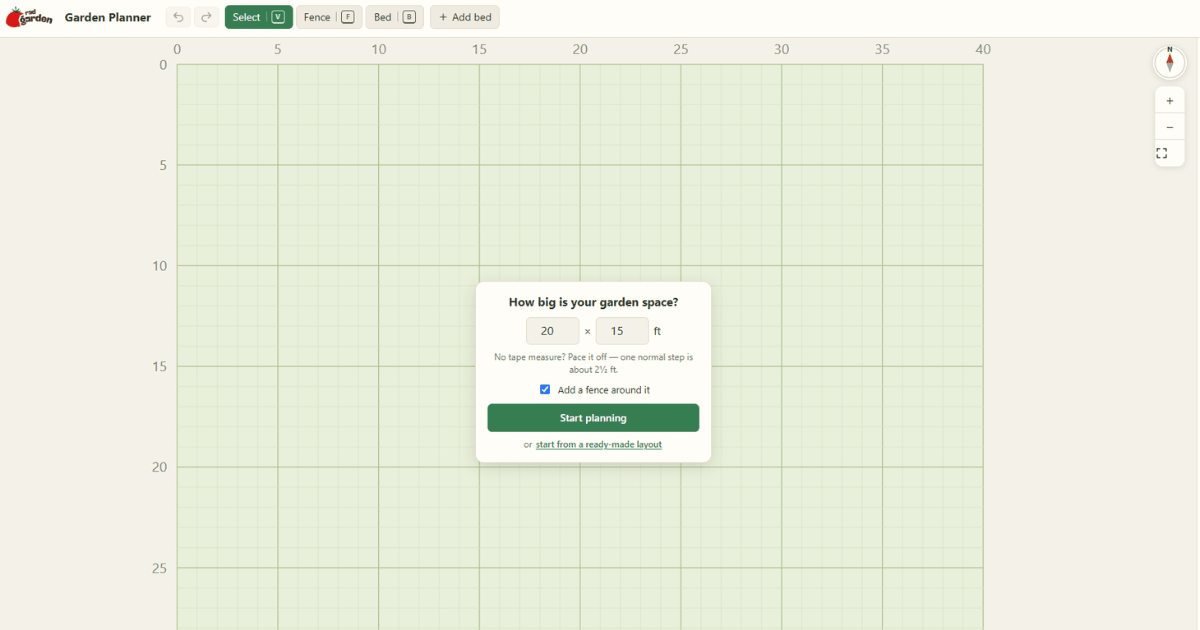
2. Add your beds
Quick-add a 4x8, 4x4, 3x6, 2x10, or 2x6 bed, or draw a custom shape. Drag and resize each bed on the 1 ft grid until it fits your space.
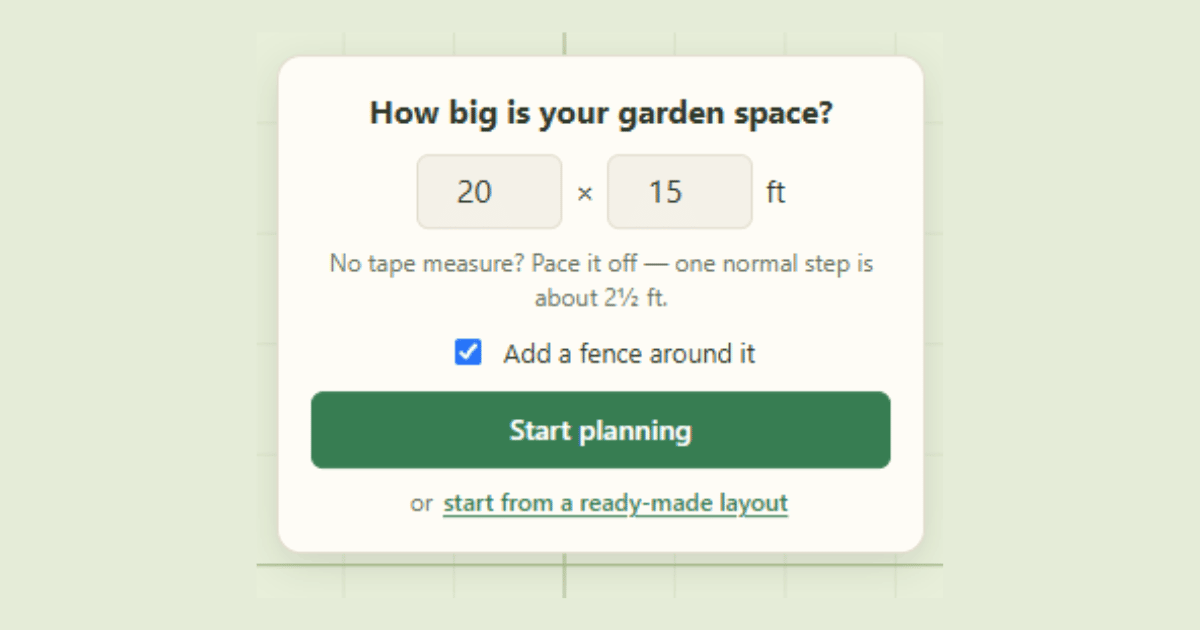
3. Map your yard
Add fence lines, set the compass so you know which way is north, and give each bed a name and color.
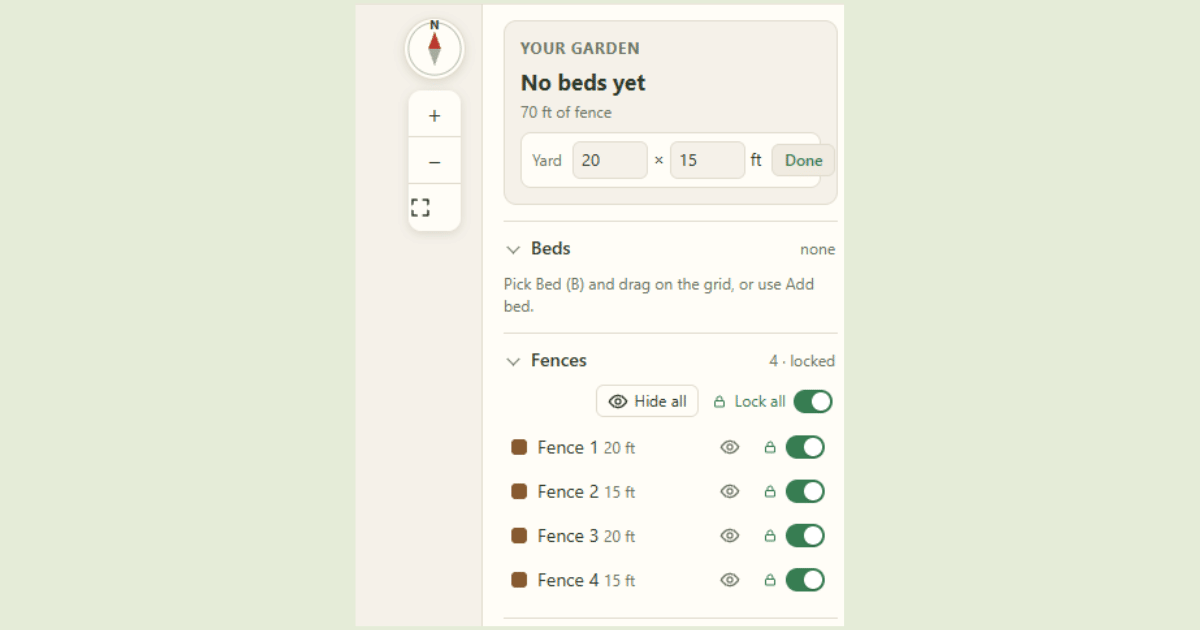
4 Save, share, and shop.
Your plan autosaves in your browser. Share a link, download a picture, or open your shopping list and soil calculator.
Who This Garden Planner Is For
First-time gardeners
A blank yard is hard to picture. Start from a template, move things around, and see what fits before you buy anything. When you're ready to pick crops, check what to plant in spring in Zone 8a.
Raised bed gardeners
Standard bed sizes, a 1 ft grid, and a shopping list that groups your beds by size. It's a raised garden bed layout planner and a supply list in one place.
Small yards and patios
Working with a narrow side yard or a small vegetable garden? The Small-Yard Border template and custom bed sizes help you use every foot.
Zone 8a and Southeast gardeners
Map your beds here, then time your planting with our Zone 8 planting schedule. Not sure of your zone? Start with what USDA zones mean for your garden.
Start from a Raised Bed Layout Template
Not sure where to begin? Pick a template and adjust it to fit your yard. There are five to choose from:
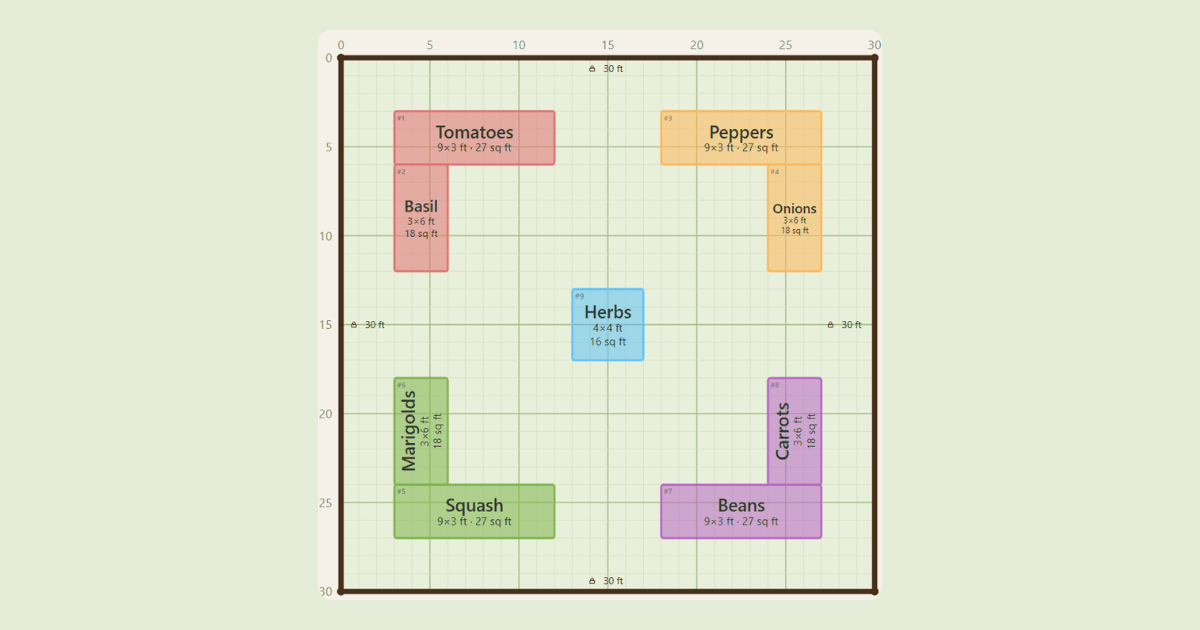
L-Corner Garden
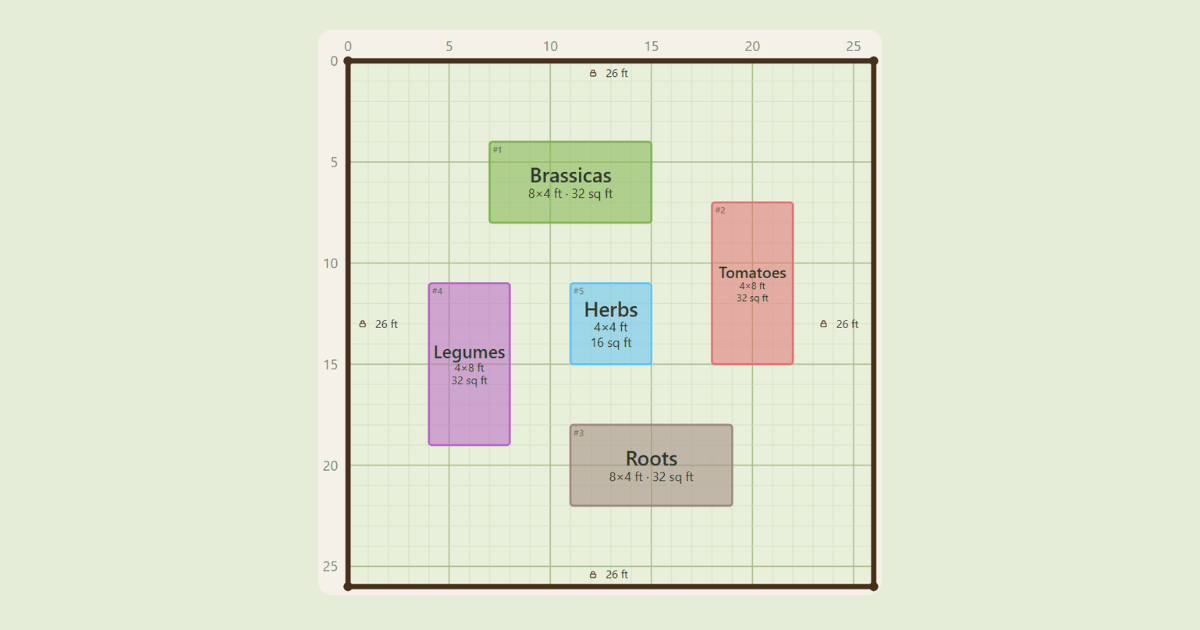
Pinwheel Potager
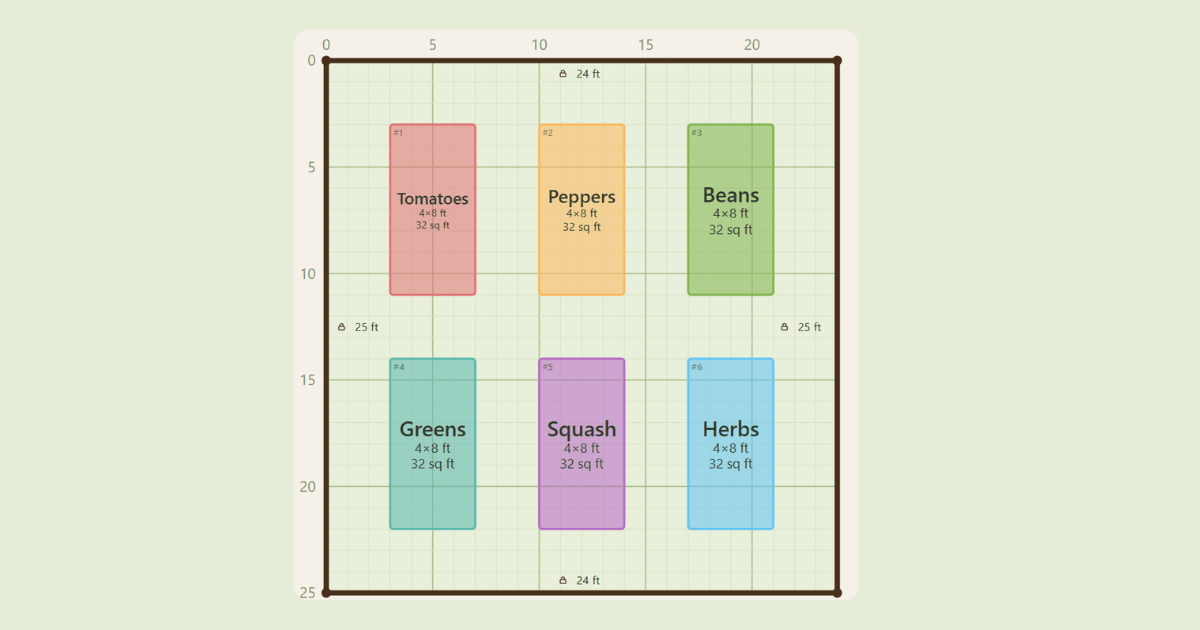
Six Raised Beds
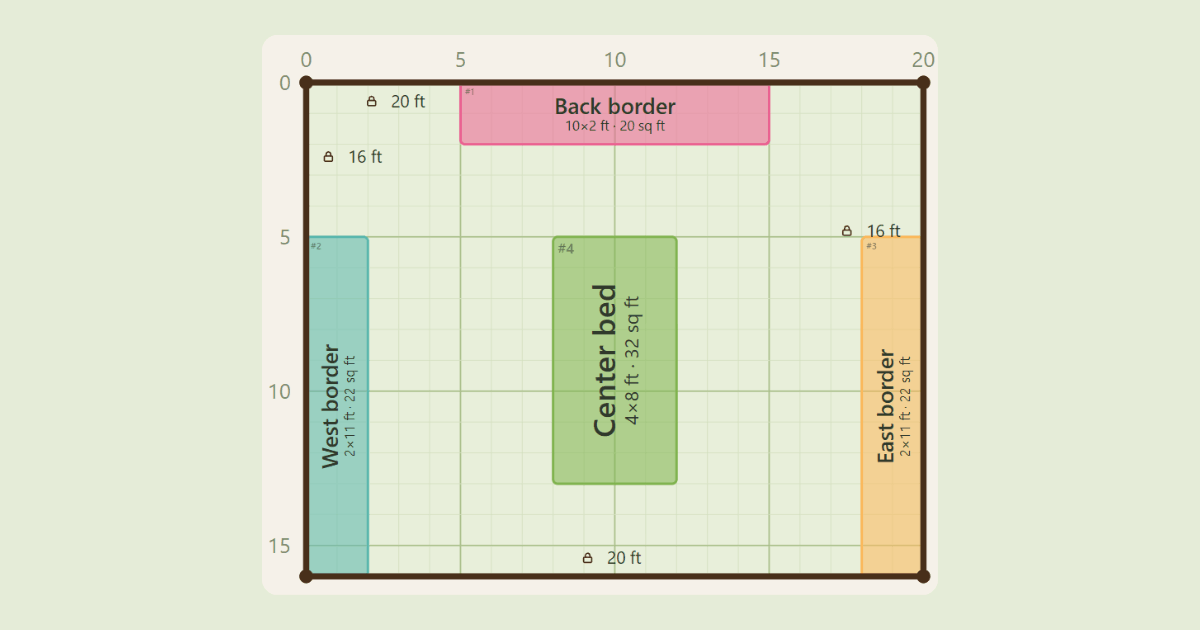
Small-Yard Border
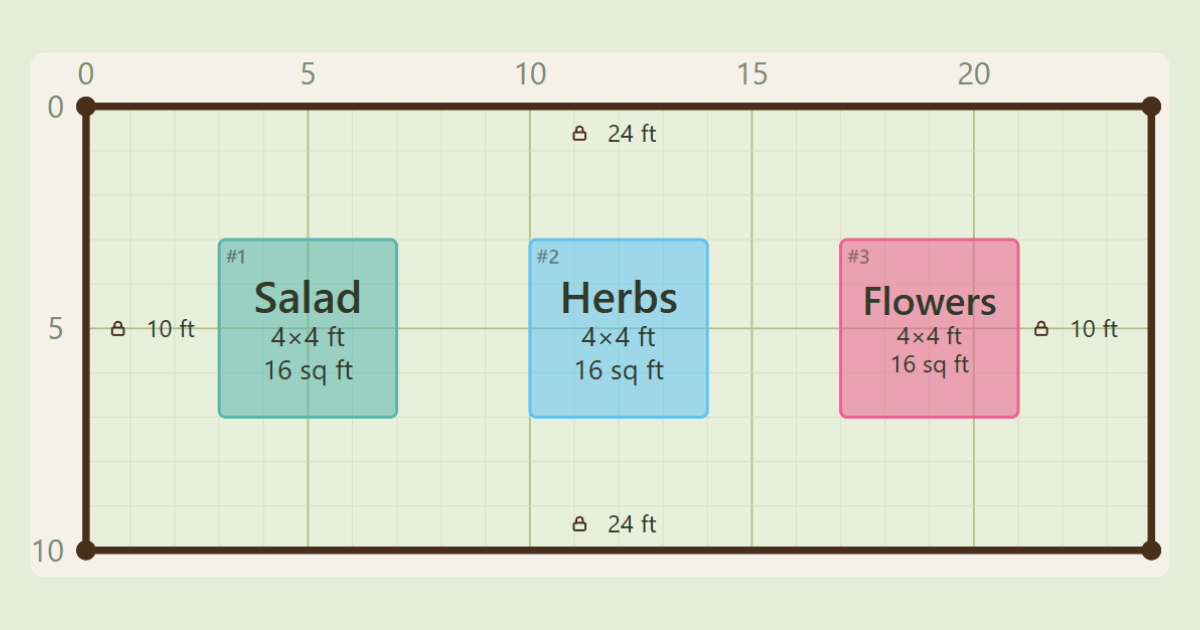
Square-Foot Starter
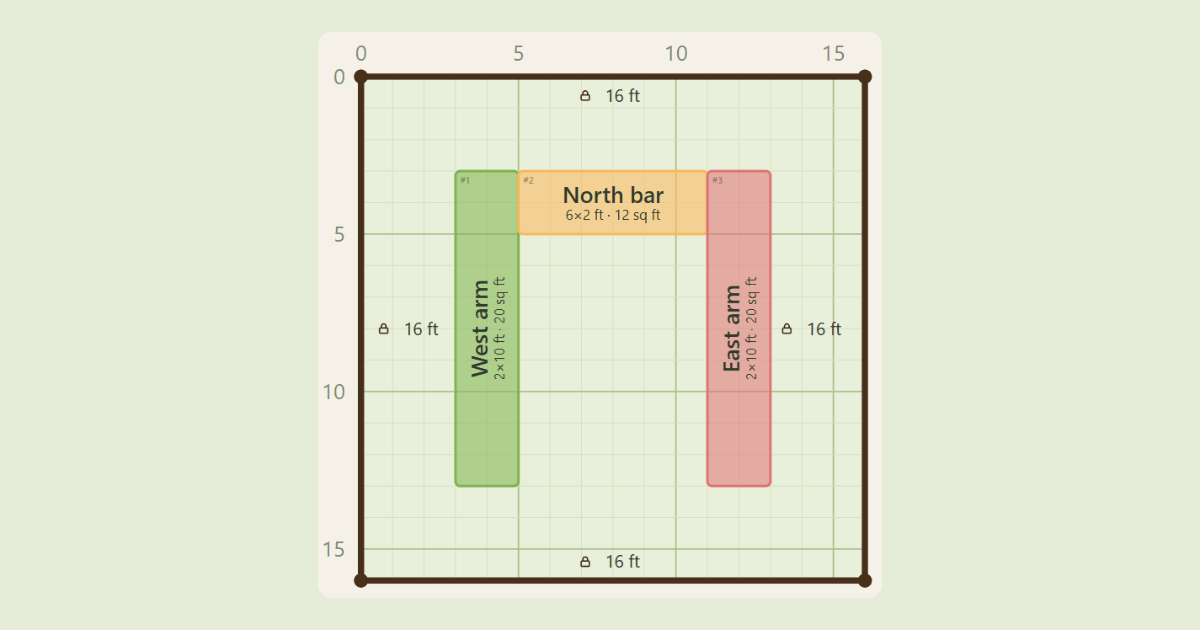
U-Shaped Bed
Garden Layout Planner Features
Everything you need to sketch out your beds is built right in. The garden layout planner keeps things simple, so you spend less time learning the tool and more time getting your plan right.
Quick-add beds: 4x8, 4x4, 3x6, 2x10, and 2x6, or draw your own shape.
1 ft grid: Spacing defaults of 2 ft reach and 3 ft paths, editable under Spacing rules.
Fences and compass: Outline your yard and mark north.
Easy editing: Drag, resize, lock, undo, and redo.
Names and colors: Label each bed so your plan stays readable.
- Dark mode: Easier on the eyes for late-night planning.
Shopping List and Soil Calculator
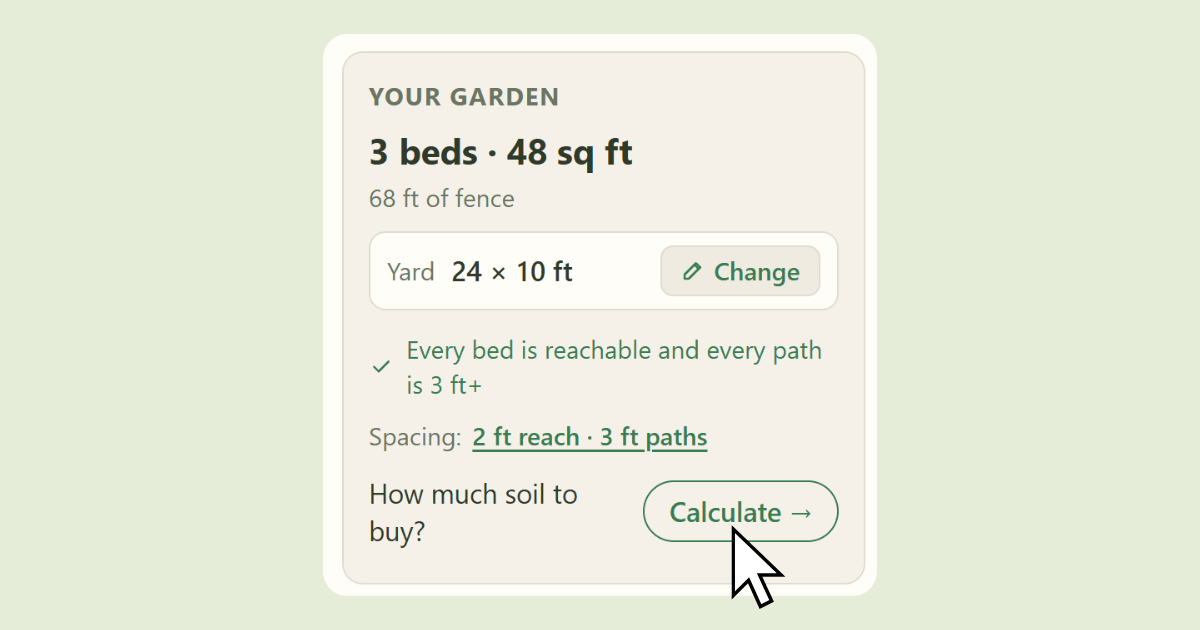
Once your beds are in place, the shopping list groups them by size and links to bed kits, so you know exactly what to buy. Click Calculate to open the soil calculator with your bed sizes already filled in.
Spacing, Sun, and Companion Planting Tips
A few simple rules make any plan work better in real life. Keep these in mind as you design your vegetable garden in the planner.
Spacing
Beds should be narrow enough that you can reach the middle without stepping on the soil. Clemson Extension suggests raised beds about 3 to 4 feet wide for this reason. The planner's defaults match that idea: a 2 ft reach from each side and 3 ft paths between beds. You can plan your spacing differently under Spacing rules if you need wider paths for a wheelbarrow.
Sun
Most vegetable gardens need at least six hours of direct sun a day. Fruiting crops like tomatoes and peppers need full sun, while leafy greens can handle some shade. Set the compass in the planner, then put tall and trellised crops on the north side so they don't shade your shorter plants.
Companion Planting Basics
Some pairings have research behind them, and some are garden folklore. According to the University of Minnesota Extension, a few that hold up include:
- Nasturtium near squash, which may help reduce squash bugs.
- Basil near tomatoes, which some studies show can reduce thrips.
- Quick crops like lettuce or spinach planted early in a bed that will later hold peppers.
Use bed names and colors in the planner to keep track of which crops you're pairing.
Want the full walkthrough? Read our vegetable garden layout guide.
Garden Planner FAQ
Do I need to download a garden planner app?
No. The planner works in your browser on a phone or computer. There's nothing to install from an app store.
Can I use it as a flower bed planner?
Yes. Beds in the planner are shapes on a grid, so you can map a flower bed the same way you map a vegetable bed.
Does the planner work on my phone?
Yes. Open it in your phone's browser and it works the same way it does on a computer.
How do I save or share my garden plan?
Your plan autosaves in the browser you're using, so it won't show up on a different device. To keep a copy or send it to someone, use the share link or Download picture.
What is the best layout for a vegetable garden?
There's no single best layout, but a few rules work almost anywhere: at least six hours of direct sun, beds narrow enough to reach the middle (about 3 to 4 feet), and tall crops on the north side. For layout ideas and step-by-step planning, see our vegetable garden layout guide.
What is the best size for a raised garden bed?
For most vegetables, 4 feet wide works best because you can reach the middle from either side without stepping on the soil. Keep the length under about 12 feet, since longer beds are harder to work around and lumber costs go up past that length (UGA Extension, Colorado State Extension). In the planner, you can quick-add a 4x8 bed or draw a custom size.
What's the best layout for a small vegetable garden?
Block-style beds usually work best in small spaces. Colorado State Extension explains that planting in wide beds instead of single rows cuts down on walkways, so more of your space grows food. Start with the Small-Yard Border template in the planner, then resize the beds to fit your yard.
Which direction should raised beds face?
If you can, run your beds north to south so tall crops cast less shade on the plants next to them, as UGA Extension suggests. Colorado State Extension notes there's no clear advantage either way, so it's fine to fit the beds to your yard first. Set the compass in the planner, and keep tall crops on the north side.
Ready to Map Out Your Beds?
It's free, it works on your phone, and you don't need an account.